First setup
Setting up a GOLOZA clock
Plug it in, set the time, set the alarm. The buttons sit in a row on top of the case.
First five minutes
Four steps for any GOLOZA clock
Give it power
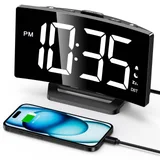
Every GOLOZA clock is corded. The projection clock uses its AC adapter. The curved clock and the day clock run from a USB cable and the adapter in the box.
Set the time
Use the buttons on top of the case. The projection clock and the curved clock show 12 or 24 hour time. The curved clock also has a DST mode.
Set the alarm
The projection clock holds one alarm. The curved clock lets you choose a tone and a volume. The day clock takes any number of alarms.
Choose a brightness
Start low at night. The projection clock has 3 levels and off, the curved clock 5 levels and off, the day clock 10 levels.
Model by model
What each GOLOZA clock adds
Projection clock: aim it, then dim it
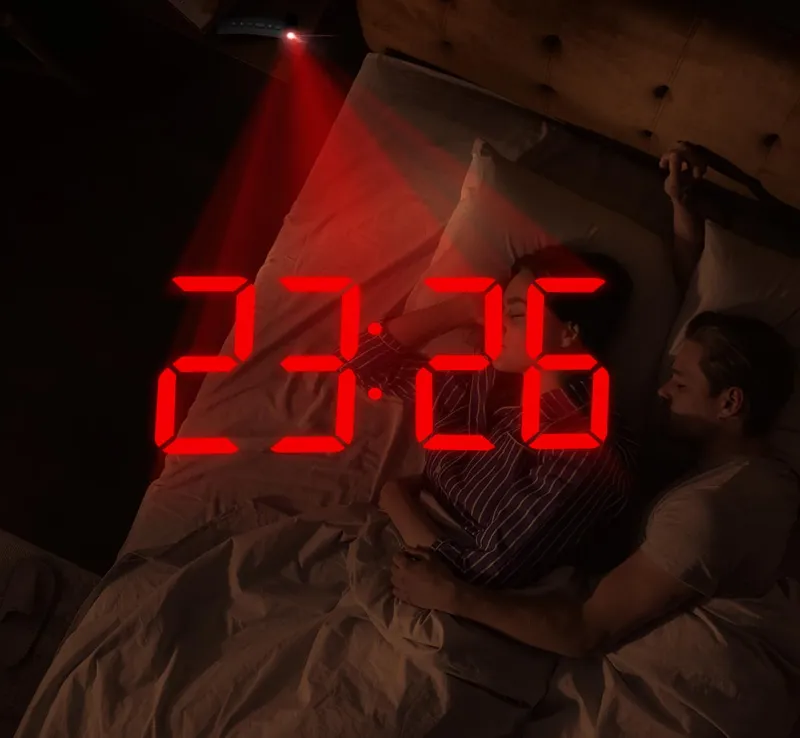
- Swing the projector arm. It turns through 180°, so the time can land on a wall or on the ceiling.
- Keep the clock 1.64 to 11.4 feet from the surface. That is the range the product description gives.
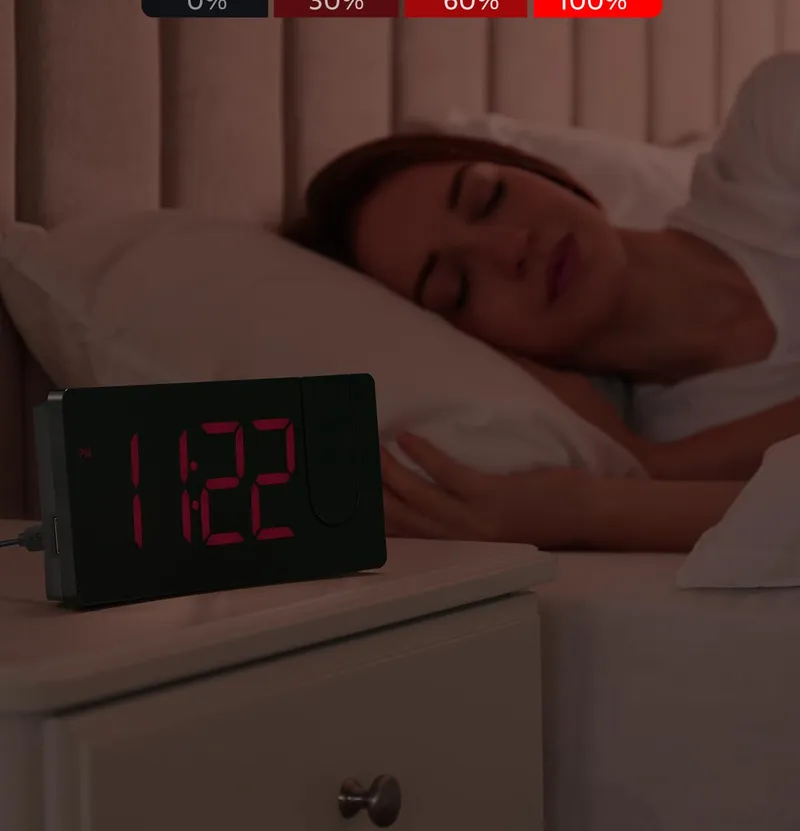
- A short press steps the projection through 3 levels and off. The screen has the same 3 levels and off, set apart.
- A long press flips the projected time by 180°, so the numbers read the right way up from the bed.
- The large button on top is snooze. Each press gives 9 more minutes.
Curved clock: let night mode do the dimming
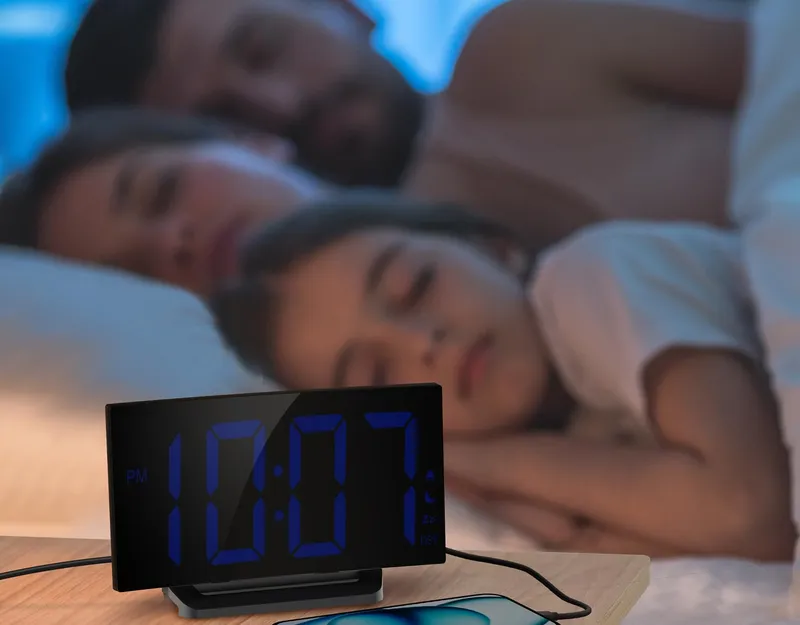
- Set the hours for night mode once. The screen dims at the start and comes back at the end.
- Pick one of 3 alarm tones: birdsong, a beep or a chord.
- Pick one of 2 alarm volumes. The product description gives 75 to 85 dB.
- The raised, ridged button is snooze, for 9 minutes.
Day clock: set it for the person who will read it
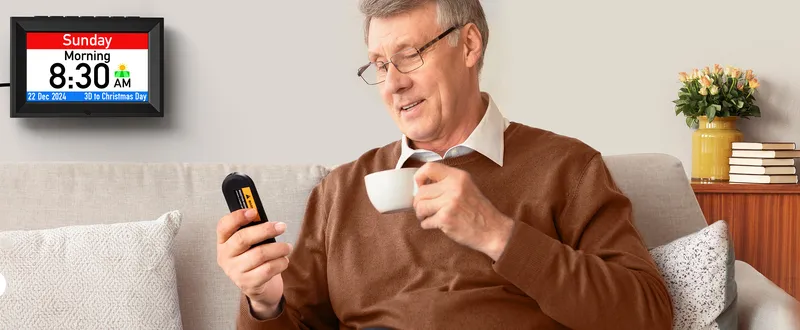
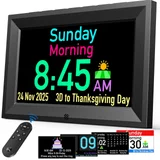
- Hang it on its 2 wall-mounting holes, or fold out the stand and set it on a table.
- Use the buttons on top or the remote. The product pictures show the remote working from 10 feet (3 m).
- Choose the screen language: English, German, French, Italian or Spanish.
- Add alarms for weekdays, weekends, every day or one chosen day, and up to 3 medicine reminders.
- Set the night hours for the auto dimmer, and one of 10 volume levels for the voice.
Power cuts
What the battery inside keeps
Projection clock
A CR2032 button cell keeps the time and the alarm settings. On battery the screen stays dark and the alarm does not sound.
Curved clock
The battery keeps the settings. The screen goes blank and the alarm stays silent until power returns. Then the correct time comes back.
Day clock
A memory battery keeps the settings through a power cut. The clock itself runs from its cable.
Questions
Setting up a GOLOZA clock
How do you set the time on a GOLOZA clock?
With the buttons on top of the case, lined up in 1 row and marked with icons. The day clock also comes with a remote.
Do GOLOZA clocks keep the time when unplugged?
Yes. A battery keeps the time and the alarm settings. The projection clock uses 1 CR2032 button cell for this.
Next
Keep going
Compare the clocks
Three models, row by row.
Choosing a bedside clock
Light, sound and what happens in a power cut.
All GOLOZA clocks
Every model and digit color with its price.